How Photos Leak Your Location Through GPS EXIF
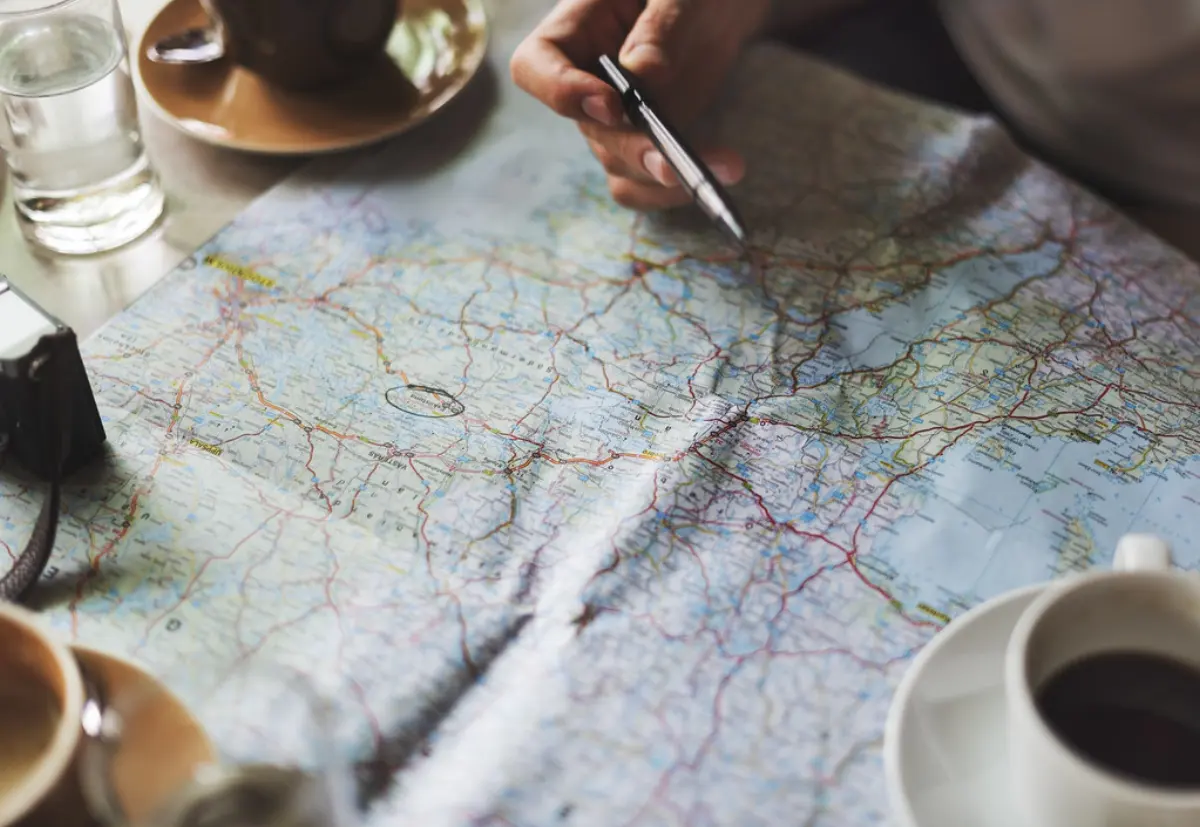
Of everything hidden inside a photo, GPS coordinates are the field with the sharpest consequences. A location accurate to a few metres, attached to a timestamp, is a remarkably precise record of where you were and when. Shared without a second thought, a handful of geotagged photos can sketch the map of someone's daily life — home, workplace, gym, the school run. Understanding how the data gets there makes it easy to shut off.
How GPS gets written into a photo
When you grant a camera app access to location, it asks the device for a GPS fix at the moment you press the shutter and writes the result into the photo's EXIF block as GPSLatitude and GPSLongitude, often with altitude and a UTC timestamp. This happens silently on most phones out of the box. The coordinates are stored in degrees, minutes and seconds, which any viewer can convert into a single clickable point on a map.
In the file the data sits in its own GPS directory, and it is more than two numbers. GPSLatitude and GPSLongitude are stored as three rational values — degrees, minutes and seconds — each paired with GPSLatitudeRef and GPSLongitudeRef, single letters saying N or S and E or W. GPSAltitude records height, with GPSAltitudeRef marking above or below sea level. GPSDateStamp and GPSTimeStamp hold the fix in UTC, which quietly reveals your time zone when compared with DateTimeOriginal, and many phones add GPSImgDirection, the compass bearing the lens was pointing.
Because the fix comes from the same positioning system used for navigation, it is precise — typically good to within a few metres outdoors. That precision is wonderful for organising a travel album by place, and dangerous when the place is your bedroom window.
What the coordinates actually reveal
A single photo reveals one location. A stream of photos reveals a pattern. Post regularly and an observer can infer where you sleep (evening and morning shots at one address), where you work (weekday daytime shots at another), and when your home is empty (a run of photos geotagged far away). For journalists, activists and people escaping abusive situations, that pattern is not an abstraction — it is a direct safety risk.
There is a common myth that posting to social media makes this moot because platforms strip EXIF. Many do remove it from the displayed image — but not always, not from every upload path, and never from a file you send directly over chat, email or a marketplace. Relying on someone else's pipeline is not a plan.
Everyday situations where this bites
The classic case is a marketplace listing. You photograph a bicycle in your hallway, upload the picture to a site that does no processing, and the advert now carries the address of the bicycle along with an image of it. The same applies to puppies, furniture, concert tickets and anything else photographed at home. A second common case is the pseudonymous account: a profile that reveals nothing posts a landscape shot, and the GPS inside it sits a few metres from the poster's front door.
The sharing path matters as much as the site. A photo sent between iPhones over AirDrop, or attached to an email, arrives as the untouched original — HEIC container and GPS directory intact. A messaging app that compresses pictures in the normal chat may preserve everything when you choose send as file or original quality. Screenshots are a partial exception, since a screenshot of a photo has no GPS of its own, but the original still does — and it is the original that people usually forward.
Cutting the leak off at the source
There are two layers of defence. The first is prevention: revoke location permission for your camera app, or disable the geotagging toggle in its settings, so new photos are never tagged in the first place. This costs you the convenience of place-based albums but stops the leak before it starts.
It is worth knowing exactly where that switch lives. On iOS, Settings, then Privacy and Security, Location Services, Camera, set to Never stops the tagging; when you share from Photos you can also tap Options at the top of the share sheet and turn Location off for that one send. Android camera apps carry an equivalent save location or store location setting, usually inside the camera app rather than the system settings. On a desktop, Windows offers Remove Properties and Personal Information in a file's Properties dialog, and exiftool -gps:all= deletes only the GPS directory while leaving everything else untouched.
The second layer is cleanup for the photos you already have and the ones you receive from others. Drop them into MetaCleanse: it shows you the GPS field if present, then re-encodes a clean copy with the coordinates — and everything else — removed, right in your browser. Make that step a habit before any photo leaves your device.
The takeaway
GPS coordinates in a photo can pinpoint you to within metres, and a series of them maps your routine. Turn off geotagging in your camera, know which sharing paths preserve the original, and strip location from any photo before you share it.
Open the tool and clean a photo now
More guides

What Is EXIF Metadata? A Plain-Language Guide
Every photo your phone takes carries hidden data you never see. Here's what EXIF is, where it lives inside the file, and why it matters for your privacy.

Removing Metadata Before You Share a Photo
Stripping EXIF takes seconds once it is part of your routine. Here's a simple, repeatable workflow for cleaning photos before they leave your device.
Metadata & Privacy on Social Media
Platforms often strip EXIF — but not reliably, and not everywhere. Here's what actually happens to your metadata when you post, and where the gaps are.